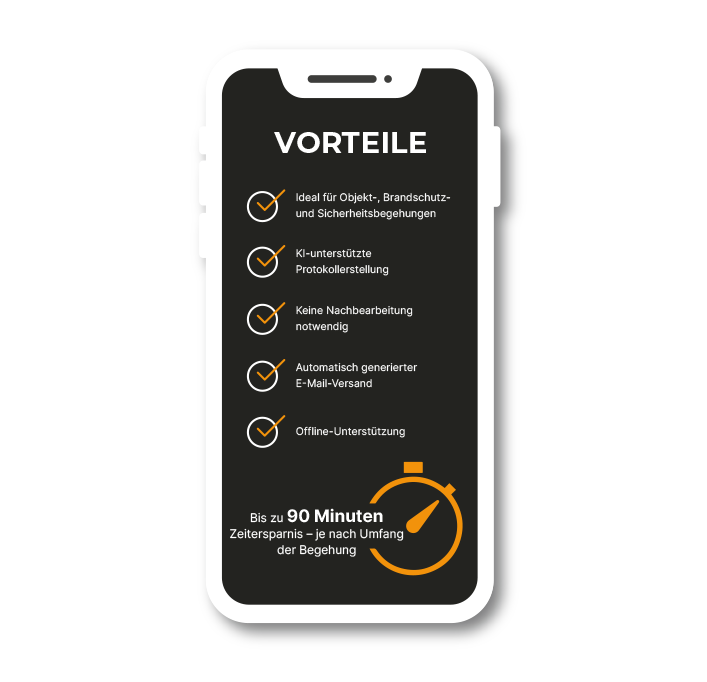



1) Scan & Download
Scan the QR code with your smartphone and download and install the baunow app. We detect your platform and redirect you to the corresponding iOS or Android store.
2) Start for free
After installation, open the app and start your first inspection by tapping START FOR FREE.
3) Start inspection
We have provided test data for you, so you don’t need to worry about customers or projects in the demo. Simply open the existing customer, then the existing project, and the inspection.
With the PLUS icon you can easily create a new inspection.
4) Create an issue
Use the PLUS icon at the bottom right to create an issue. With the GALLERY icon you can select photos from your storage. With the CAMERA icon you can take a new photo.
5) Start AI image analysis
The integrated AI image analysis saves you time-consuming manual input. After taking a photo or selecting one from the gallery, start the AI image analysis by tapping ANALYZE and wait a moment. baunow will then describe the issue based on your image.
6) Send summary
After capturing all issues, you can send the report within the inspection using SEND/DISPLAY SUMMARY.
In the full version, you can easily select project participants in the next step and have the report sent to you via email.
To access the 7-day trial version, simply share your email address with us and the registration process will begin.
+
INSPECTIONS
+
HOURS SAVED
+
PROJECTS
reportly
Your Platform
Inspection reports in seconds.
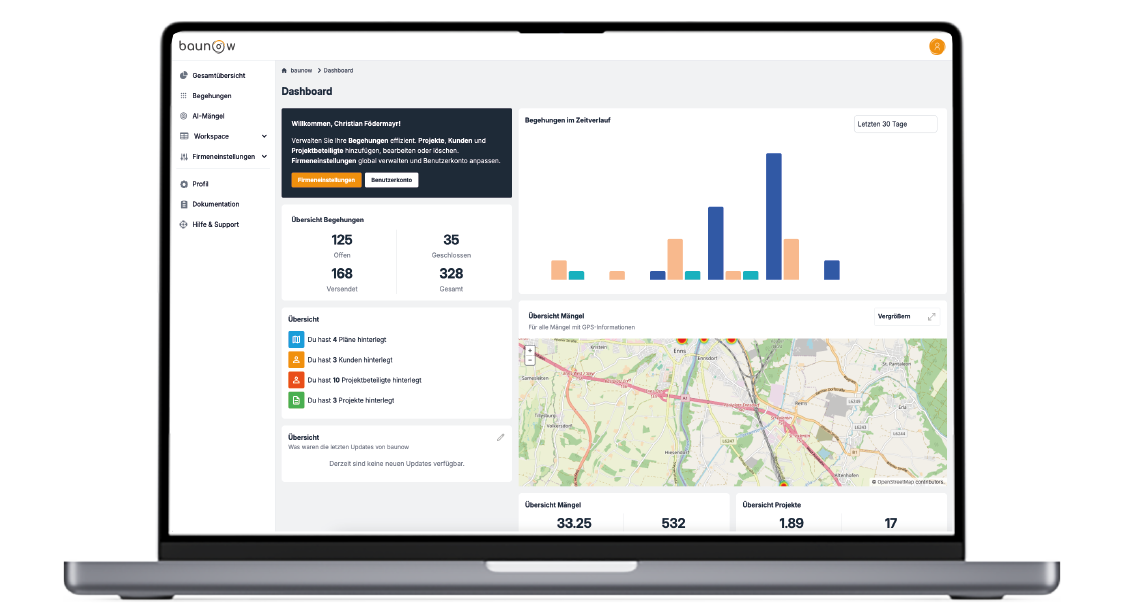
Manage customers, projects, trades & stakeholders
At my.reportly.app you can easily configure everything. After setting up projects, objects, and the associated stakeholders once in the web-based configuration interface, you can start your inspection effortlessly on your mobile device.
Apply company-specific settings
In the settings, you can add team members, customize your own assessment schemes, recipients, and persons responsible for the summary.
Smart suggestions for efficient work
Our app is designed to remember your inputs and suggest them for future use. This greatly enhances the user experience by allowing quickly accessible previously entered information.
Your data is stored securely and used exclusively to optimize your user experience. Personalized suggestions make interacting with the app more efficient and enjoyable.
reportly
Various application areas
reportly is the most convenient and efficient app for conducting all types of safety inspections.
Whether for Construction Site Coordination, Site Supervision, Safety Specialists, Fire Safety Inspections, or Object Safety Inspections according to ÖNORM B1300/B1301.